

Employees Checklist
Before Move Day
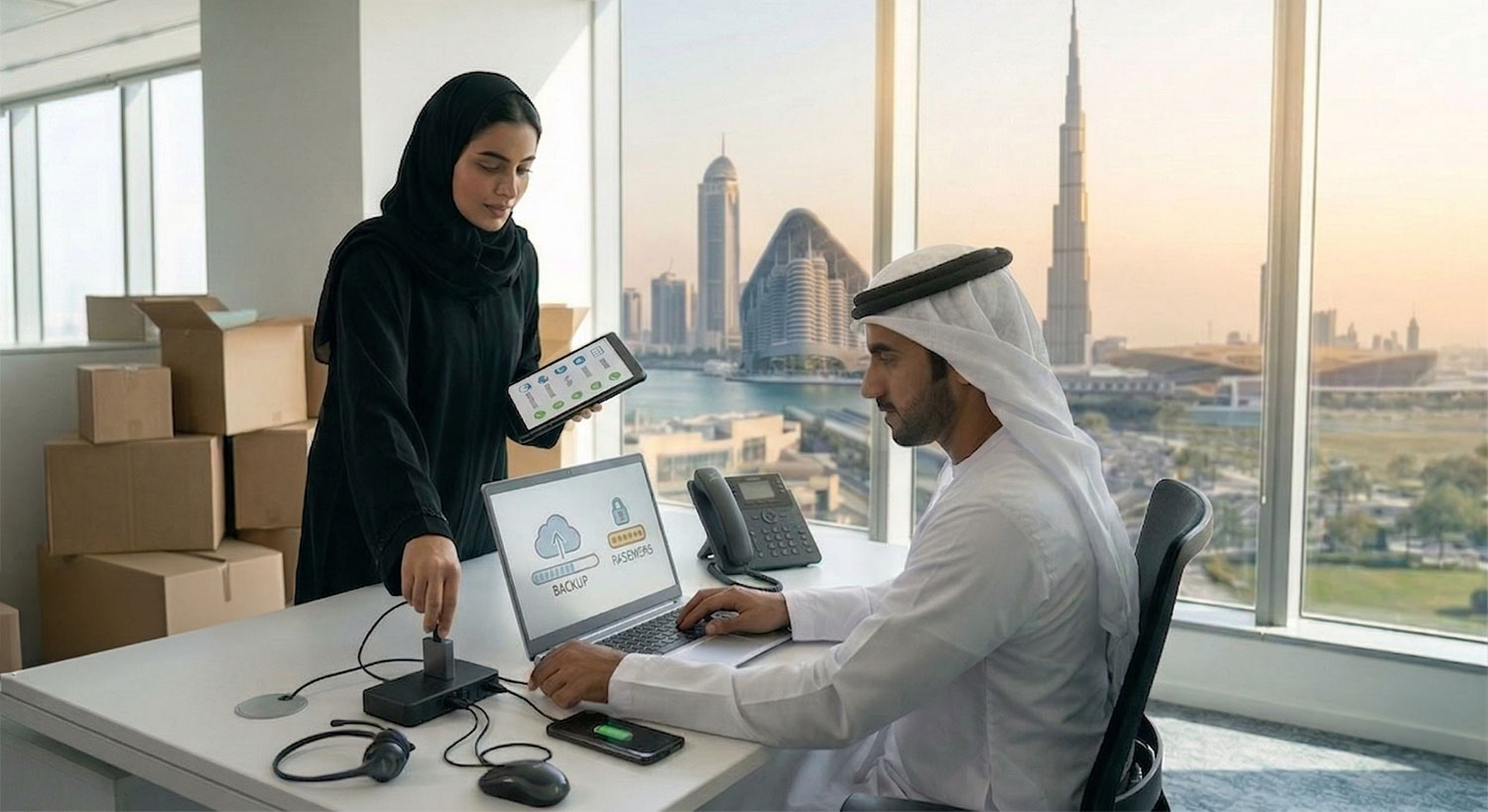
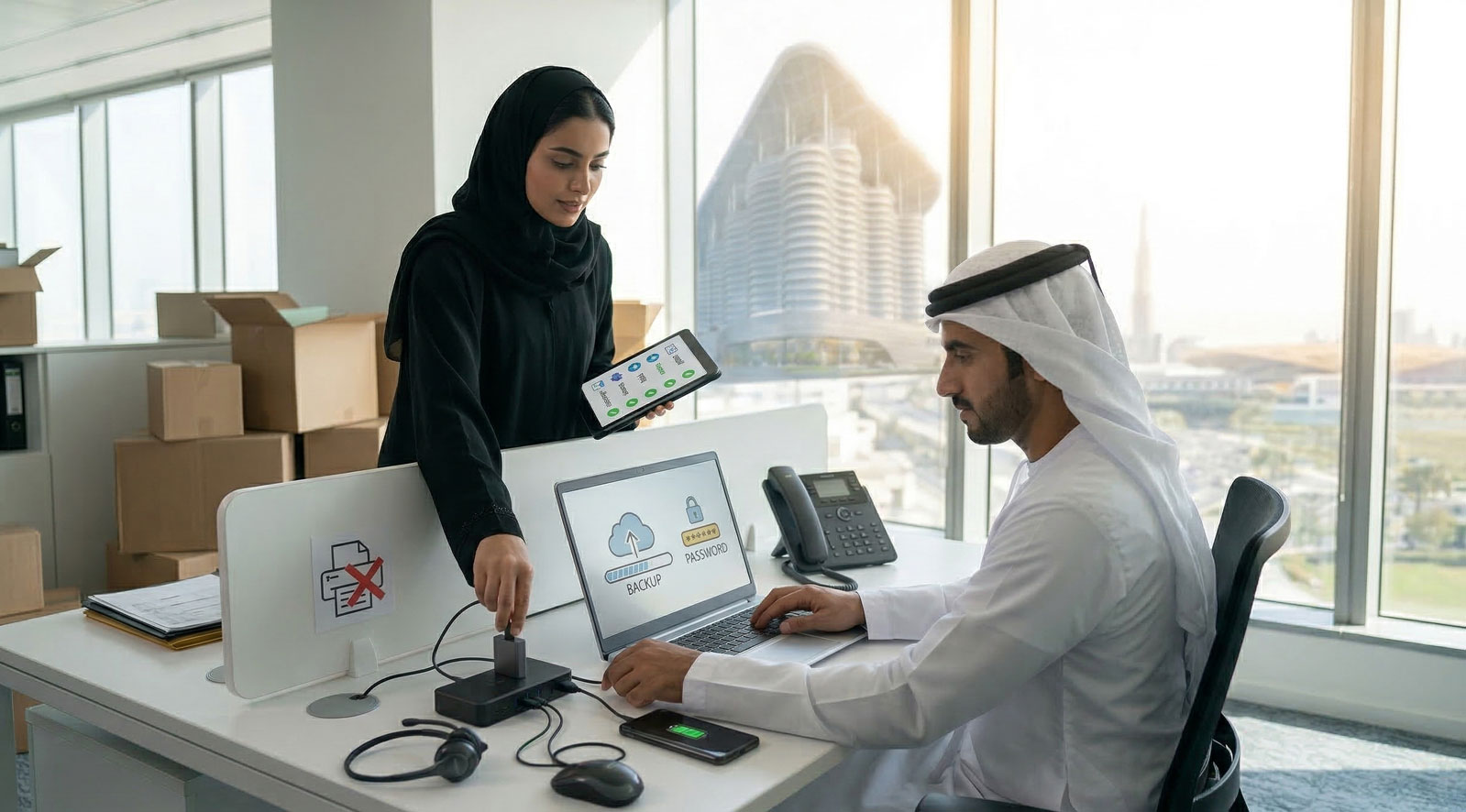
✓ Back up your work to approved DEWA digital platforms (shared drive / cloud / team folders).
✓ Save files digitally only (no printing, no paper files).
✓ Clean your desktop (digital):
- Organise folders
- Delete duplicates
- Rename key files clearly
✓ Update your passwords and confirm you can access:
- VPN (if applicable)
- Key systems/apps
- Teams Call Feature
✓ Sync your calendar and confirm your meetings are updated.
✓ Charge all devices fully:
- Laptop
- Phone
- Headset / mouse / keyboard (if wireless)
✓ Device Policy
- The standard allowed devices in Al Shera'a building are laptops & desk phones only
✓ Please note: Only essential items should be on your desk, such as your laptop, phone, daily-use items (e.g., notebook, basic stationery, phone and a tissue box). No other accessories or personal items should be placed on the workstation.
✓ Review your move date/ timing shared with your department assigned coordinator
✓ Check with coordinator for the allowed IT assets that can be shifted to Al Shera’a
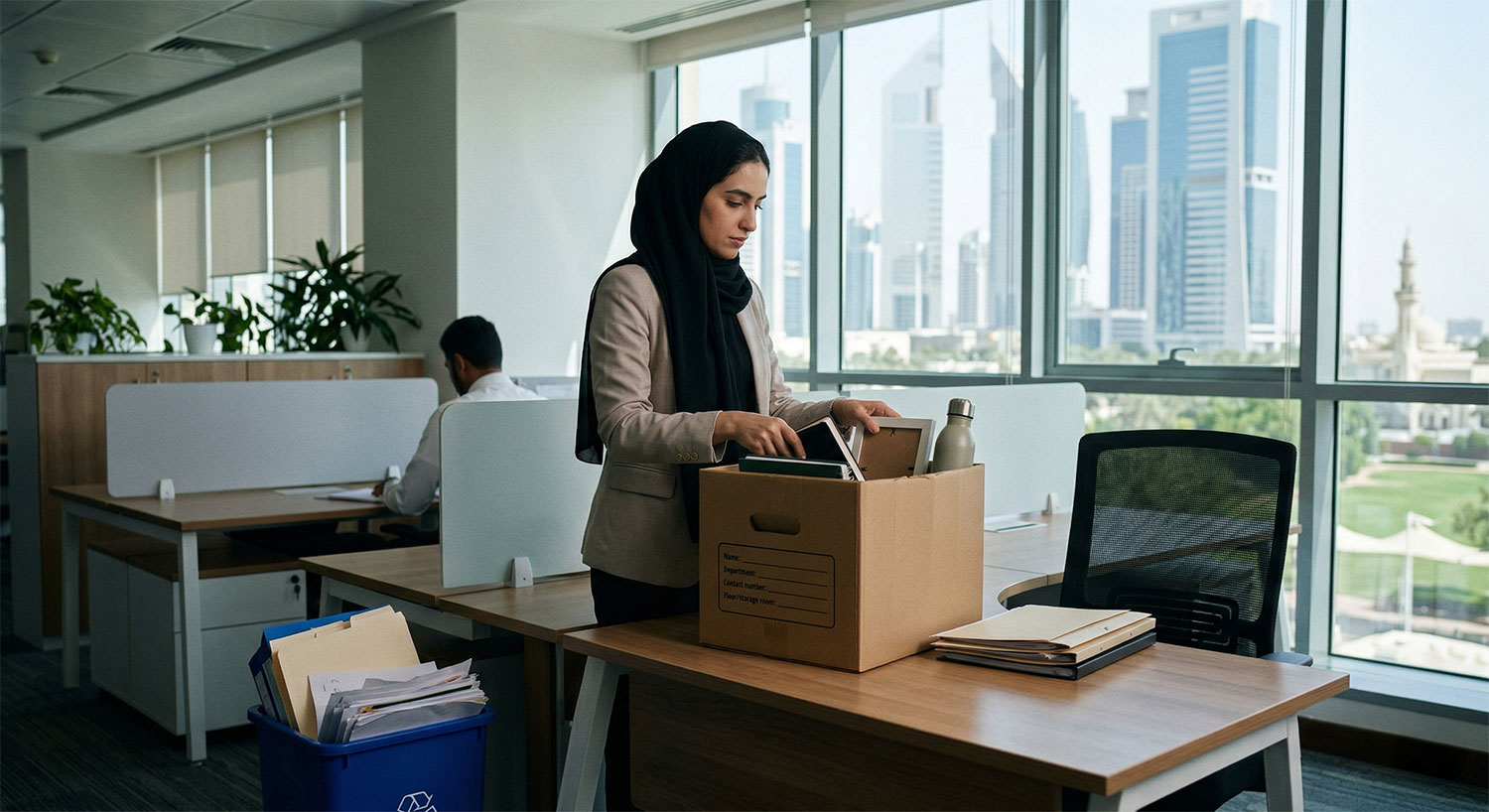
✓ Clear your existing desk and pack your necessary items only (keep it minimal)
✓ There are no storage cabinets at Al Shera’a
✓ No personal electrical appliances are to be shifted
✓ No space for displaying trophies and certificates
✓ Workspaces are advised to be clean and clutter free
✓ You may request from BS&HR -PMO team boxes to pack your personal items that you will take back home
✓ Remove all food items from existing drawers/cabinets
✓ Only important needed files will be allowed to shift to Al Shera’a department/ division storage rooms
✓ For any remaining unrequired files in the existing offices, department are required to take the necessary action to clear the same as per DEWA shredding procedure
✓ Dispose of unwanted papers/items properly (do not leave clutter behind).
✓ Division valuable items that need to be shifted to Al Shera’a need to be packed in boxes and should be clearly Labelled with:
- Name
- Department
- Contact number
- Floor/ designated storage room number
Move Day
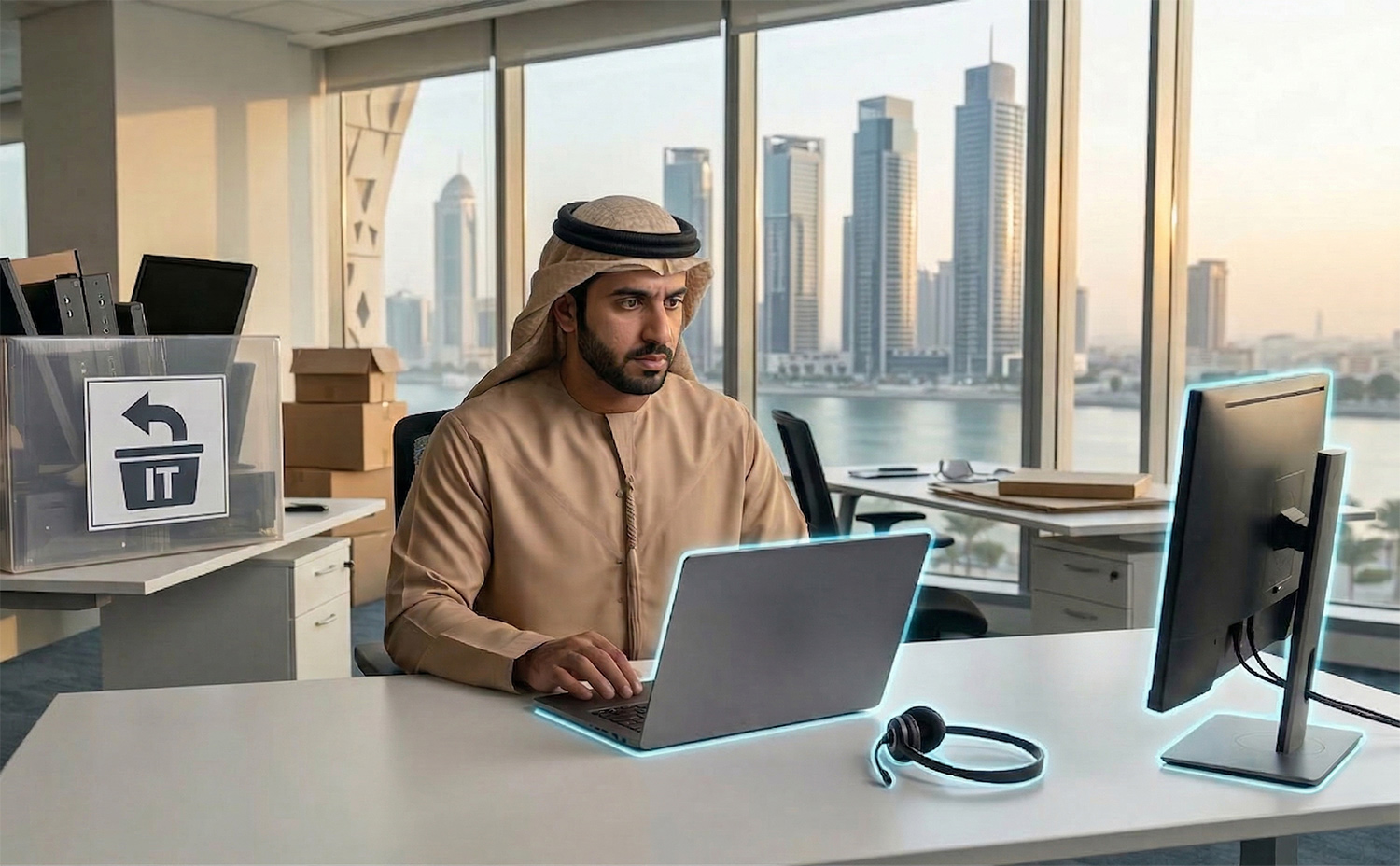
✓ Bring only your essentials:
- Laptop & its charger
- Desk Phone
- Headset (recommended)
- Desktop Screen or Cisco Screen (one only)
✓ Log out and shut down your laptop/desktop properly before leaving.
✓ If you have other IT equipment (monitors, docking stations), pack them and bring them to Al Shera’a where IT team will submit return request to avoid loss of devices during the movement.
✓ Always Keep your devices with you (do not leave them in boxes).
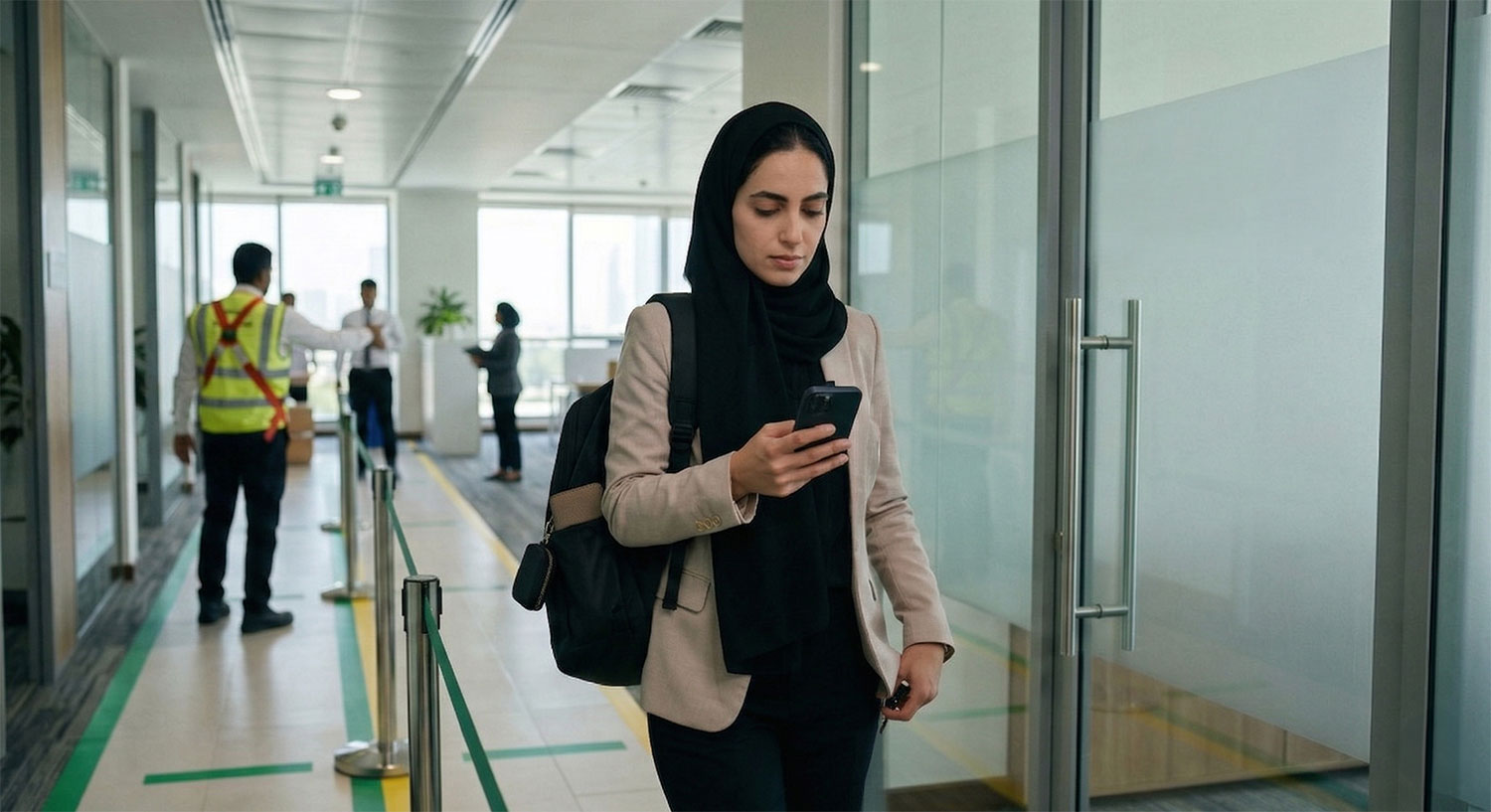
✓ Arrive on time and follow the move sequence for your team, to ensure that you are seated in your designated area
✓ Carry valuables with you (wallet, keys, personal items)
✓ Use designated pathways and do not block corridors or exits
✓ Follow all HSE and safety instructions during movement
✓ Avoid entering VIP/ restricted areas unless authorised
Top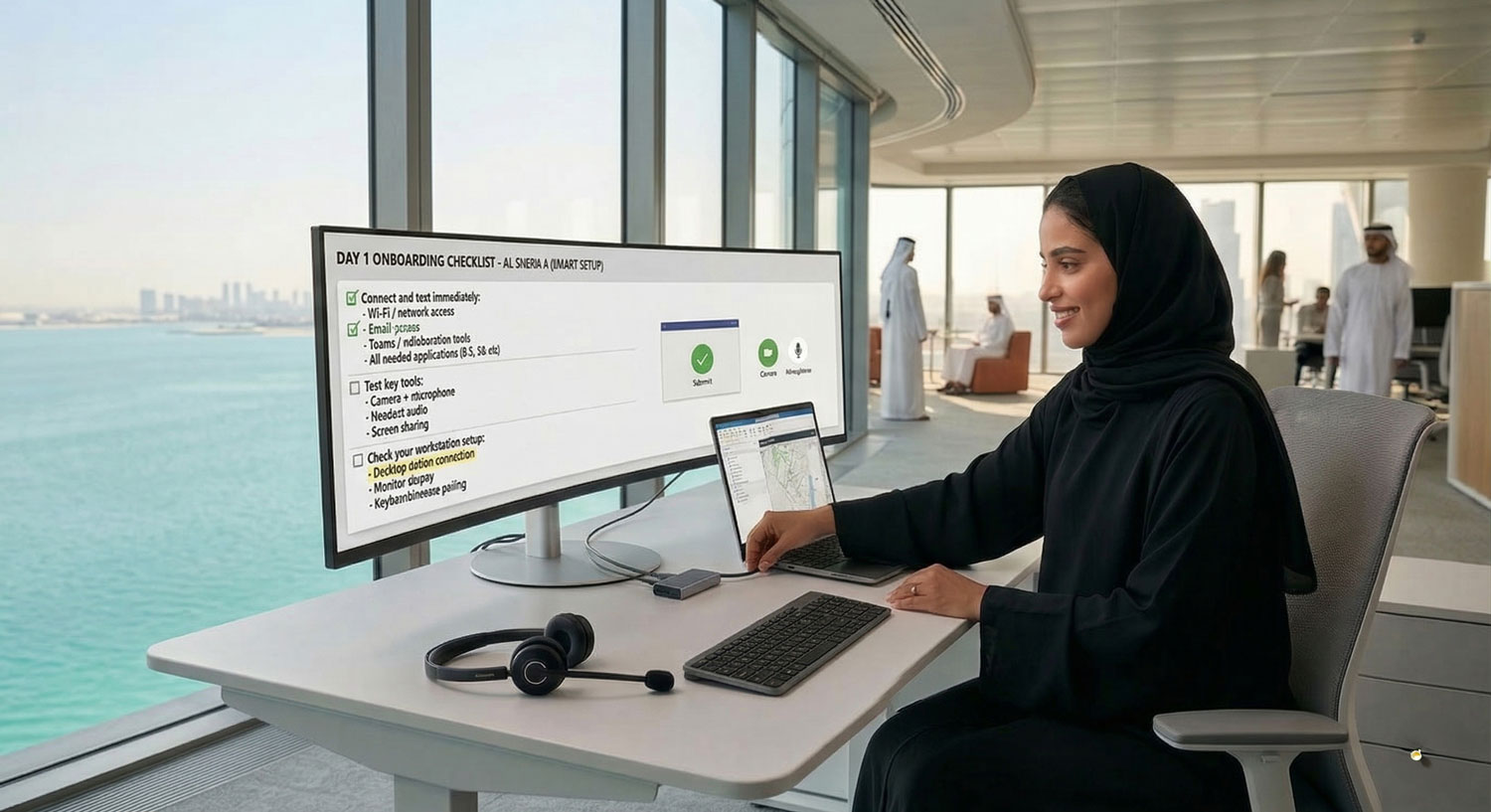
First Day at Al Shera’a
✓ Connect and test immediately:
- Wi-Fi / network access
- Email access
- Teams / collaboration tools
- All needed applications (GIS, SG etc)
✓ Test key tools:
- Camera + microphone
- Headset audio
- Screen sharing
✓ Check your workstation setup:
- Docking station connection
- Monitor display
- Keyboard/mouse pairing
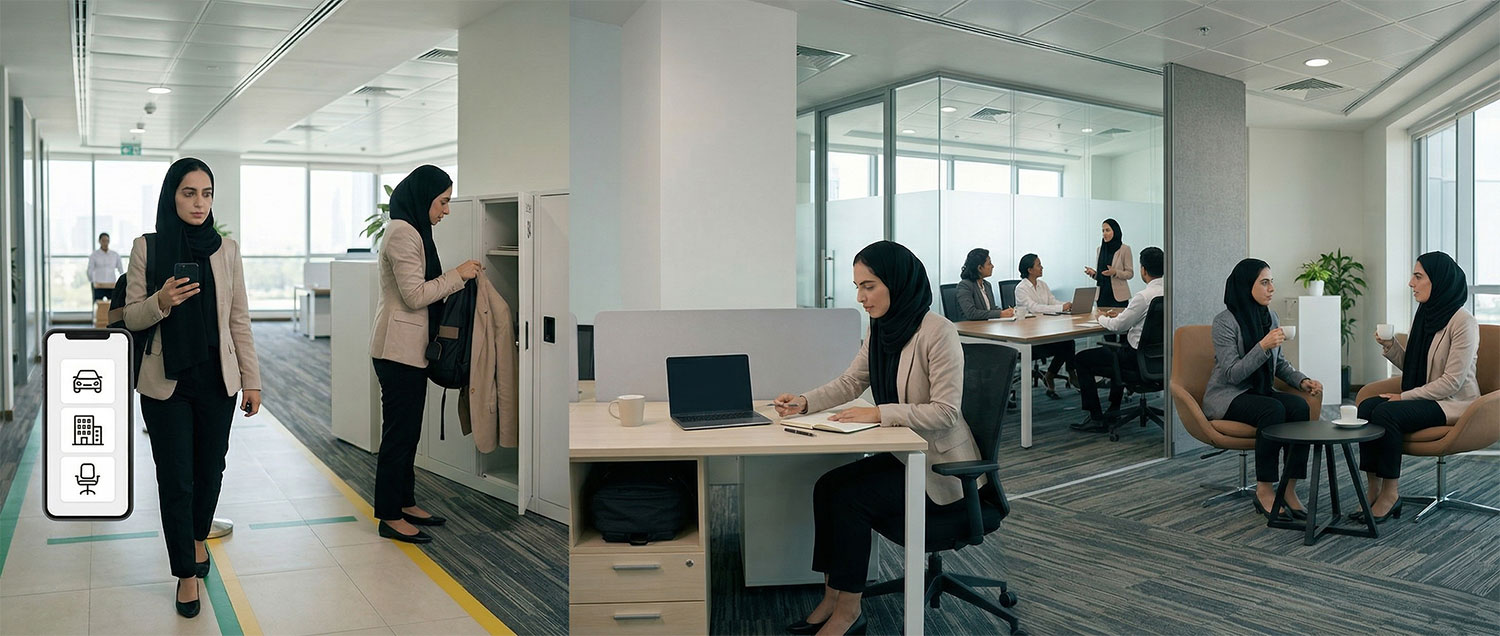
✓ Confirm your seating/work area as per your department allocation
✓ Keep your new workspace clean and organised from day one
✓ Store personal items neatly and avoid over-decorating shared spaces
✓ Use meeting rooms, lounges, focus rooms, and break areas as intended
✓ Employees will be given access to their assigned floor
✓ Use DEWA’s Companion smart app to proceed to your allocated parking space, assigned entrance and floor and workstation
Top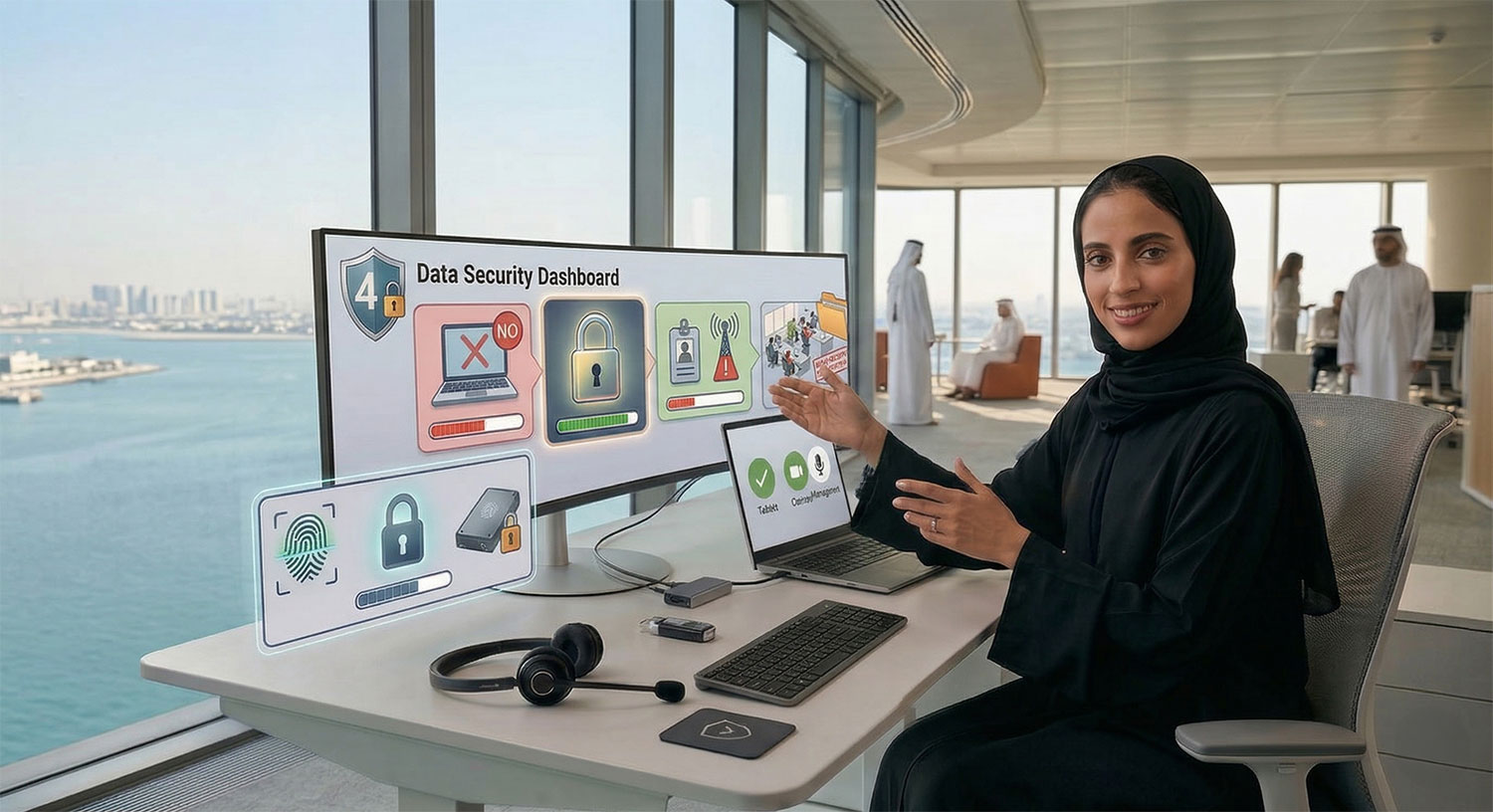
Data Security & Compliance
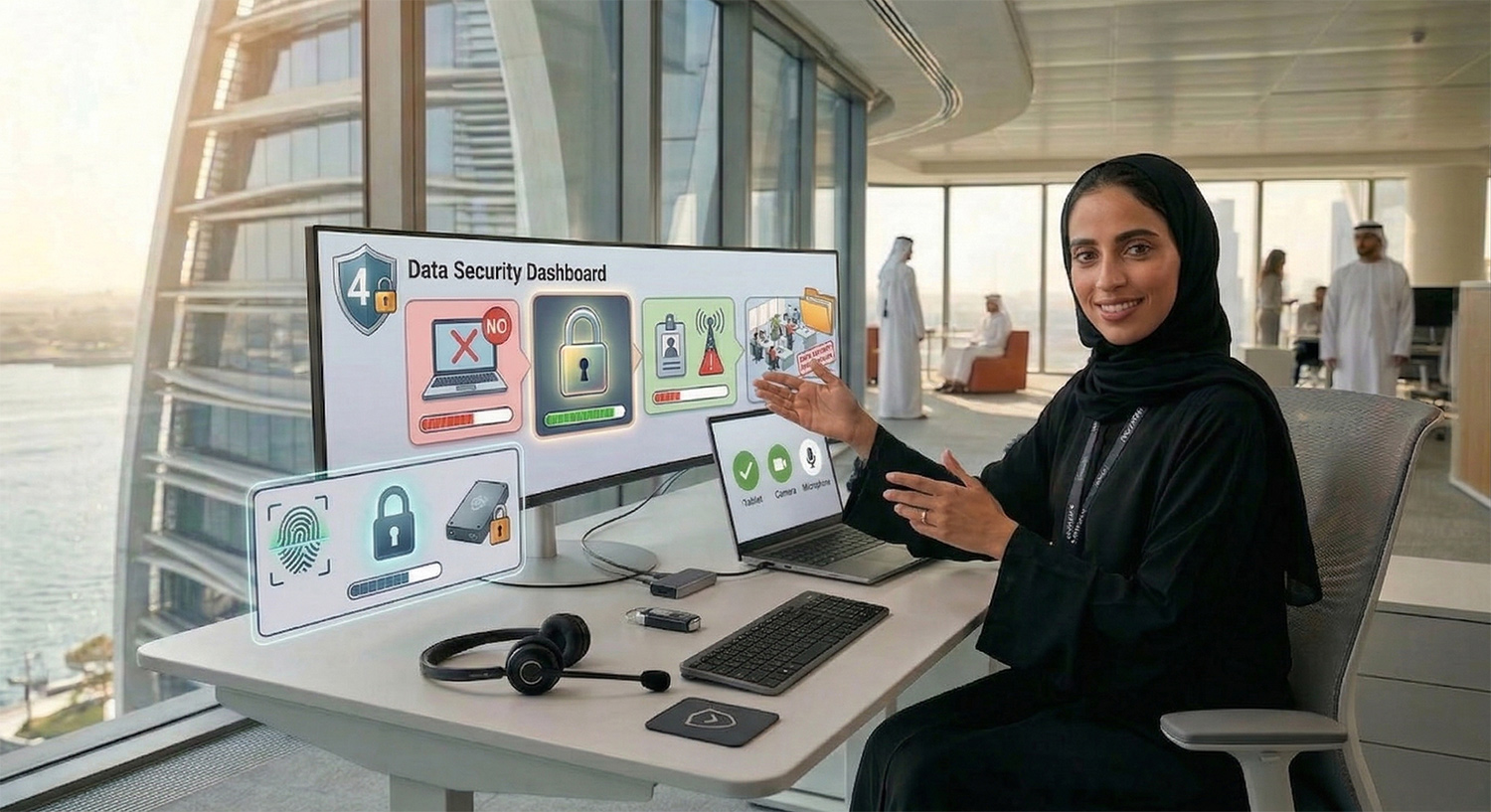
✓ Do not save work on personal devices or unapproved storage.
✓ Lock your screen whenever you leave your desk.
✓ Report any access issues immediately (badge/system/Wi-Fi).
✓ Avoid sharing sensitive information in open areas.
Workplace Etiquette
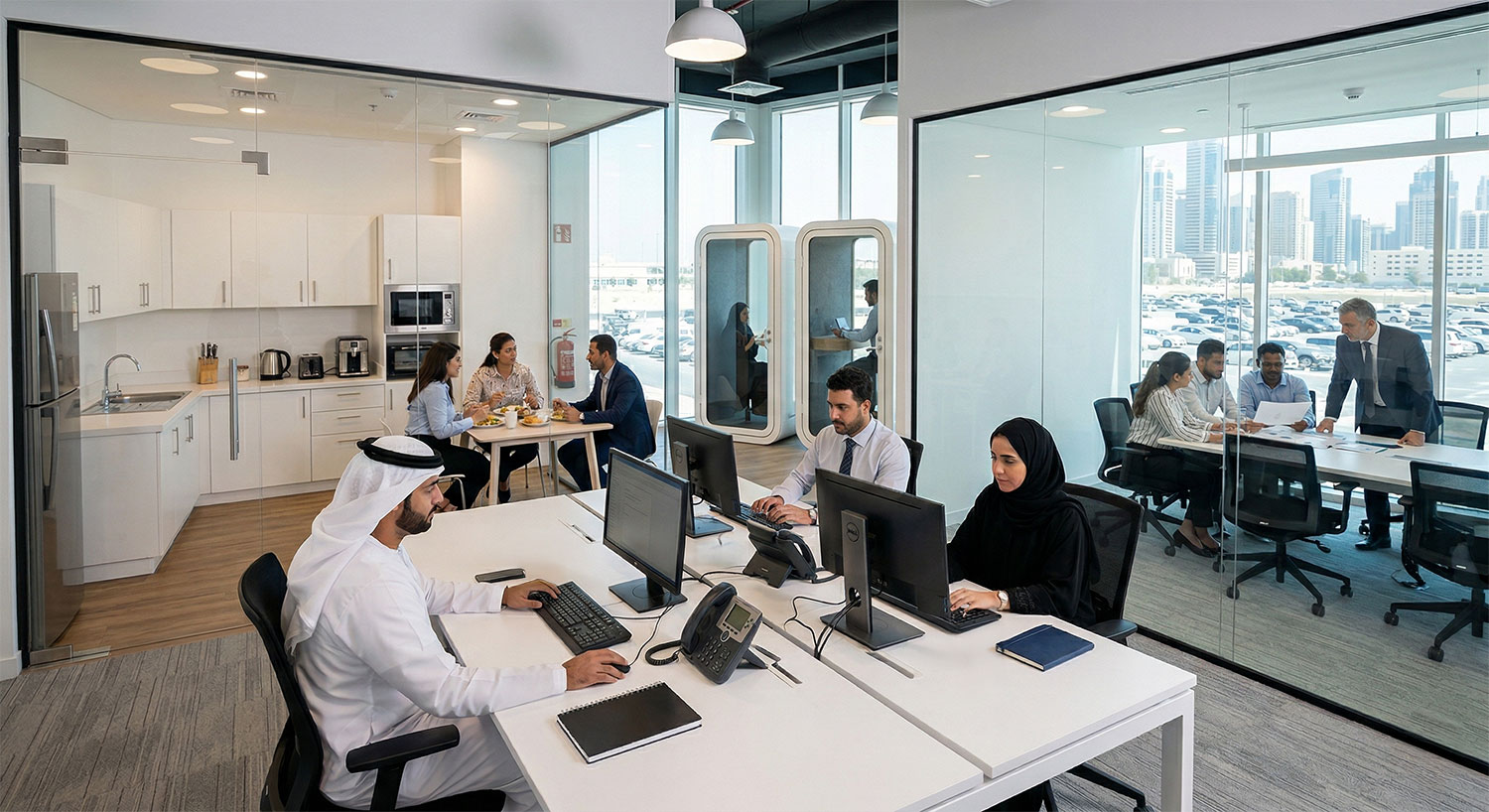
✓ Do not eat at workstations and kindly use designated dining areas/pantries.
✓ Keep shared spaces tidy after use (meeting rooms, lounges, pantries).
✓ Use the Companion smart app to book meeting rooms. Start/end meetings on time and leave rooms ready for the next team.
✓ Do not use personal electrical appliances. Only the appliances provided in the pantry on each floor (such as the water heater, kettle, and refrigerator) may be used and must be operated in accordance with their intended purpose and usage guidelines.
✓ Respect quiet zones and collaboration areas.
✓ Follow health, safety, and emergency instructions at all times.
✓ Smoking is not allowed at internal and external areas in the building including the parking.
After shifting to At Al Shera’a
✓ Coordinate with IT and PMO to return any remaining furniture and IT assets.
Top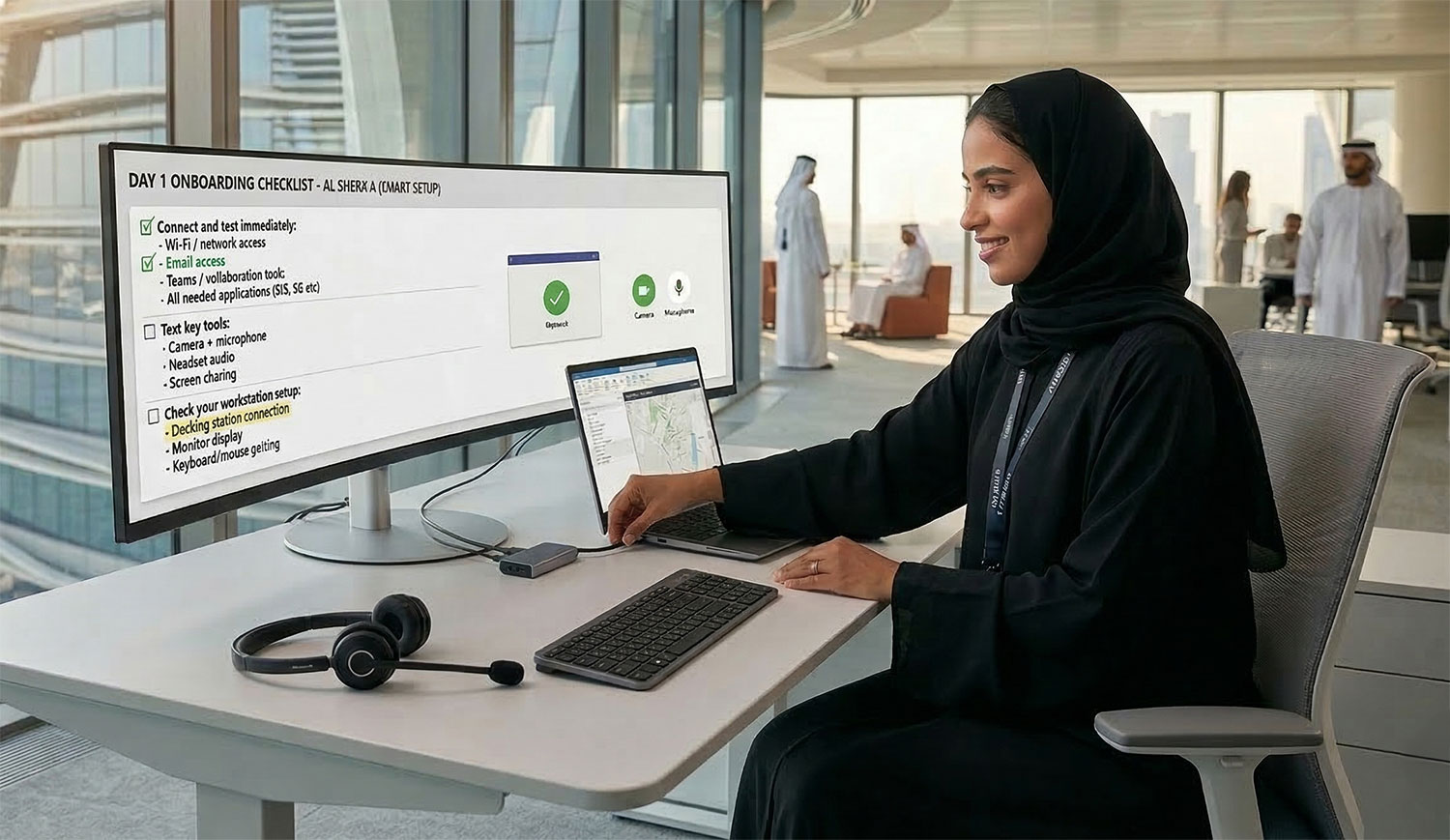
If You Need Support
✓ Contact IT Helpdesk for urgent issues (login, access, device setup).
✓ Approach on-site IT support during the move-in period for quick assistance.
FAQ
Frequently asked questions about our logistics services.
What services does our logistics company offer?
Lorem ipsum dolor sit amet, consectetur adipiscing elit. Suspendisse varius enim in eros elementum tristique.
How do we ensure the safety and security of shipments?
Lorem ipsum dolor sit amet, consectetur adipiscing elit. Suspendisse varius enim in eros elementum tristique.
Do we provide international shipping solutions?
Lorem ipsum dolor sit amet, consectetur adipiscing elit. Suspendisse varius enim in eros elementum tristique.
How do clients initiate returns or rerouting of packages?
Lorem ipsum dolor sit amet, consectetur adipiscing elit. Suspendisse varius enim in eros elementum tristique.
What are our policies around lost or damaged goods?
Lorem ipsum dolor sit amet, consectetur adipiscing elit. Suspendisse varius enim in eros elementum tristique.
What insurance options are available for shipments?
Lorem ipsum dolor sit amet, consectetur adipiscing elit. Suspendisse varius enim in eros elementum tristique.